
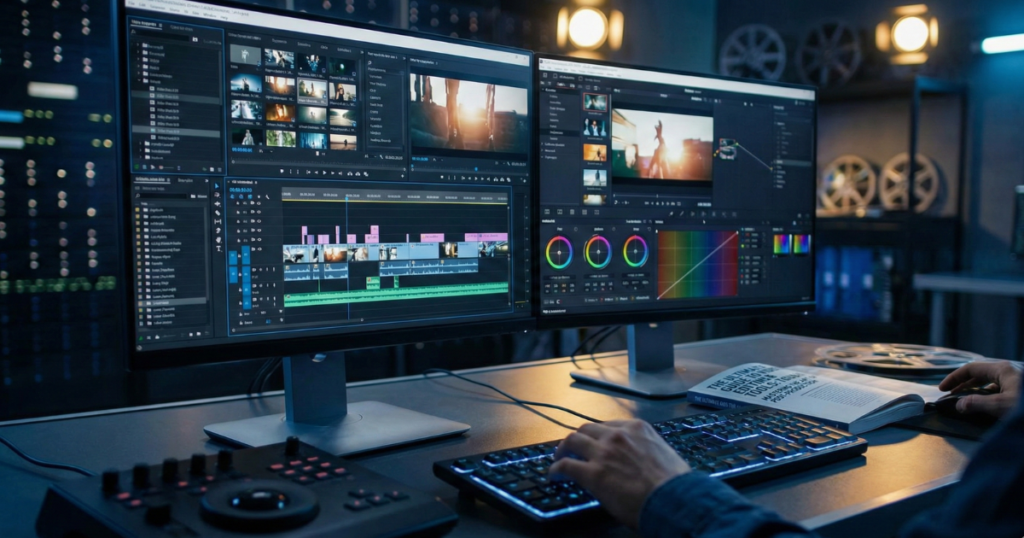
The digital world now belongs to video content. It is a source of visibility for brands. Influencers utilize it for engagement. It is required by businesses for conversion. The need for high-quality visual storytelling is on the increase. This boom has triggered a video editing instrument boom in the market.
The selection of appropriate software may be daunting. Available options include basic mobile applications and elaborate movie suites. This guide discusses the existing ecosystem of video editing tools. We will subdivide features, categories, and best use cases. We also look at the time to place the tools aside and outsource.
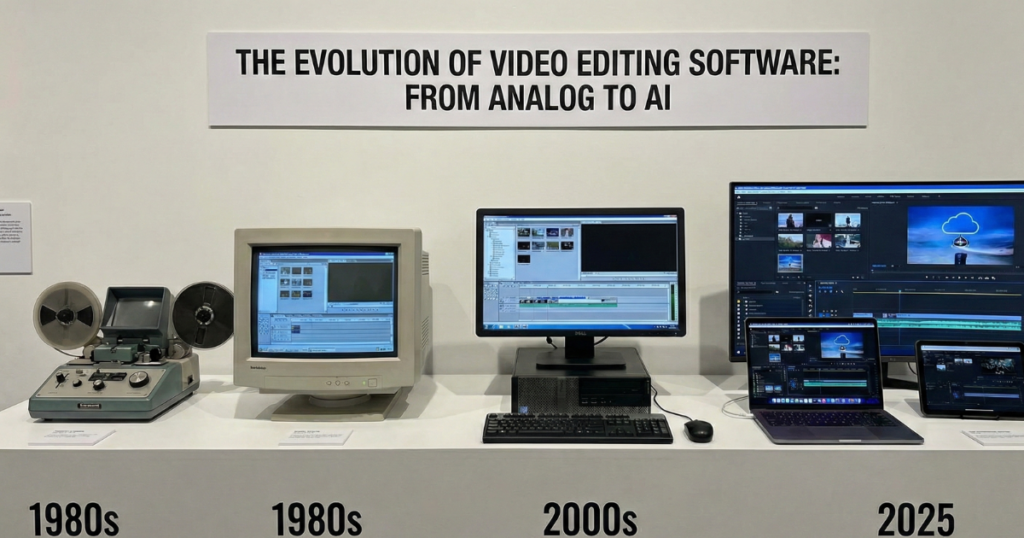
The Evolution of Video Editing Software
It has been a long road in post-production. It began by literally splicing film reels. It changed to linear tape editing in the 90s. We live today in a non-linear digital space.
The tools today are very potent. They will manage 4K and 8K videos. Workflows can be done on the cloud, enabling cross-continent connection. The new frontier is Artificial Intelligence (AI). Boring processes such as captioning or rotoscoping are now automated by AI. The entry barrier has been reduced; the mastery ceiling is, however, still very high.
Categorizing the Best Video Editing Tools
Not all editors are created equal. They generally fall into three distinct categories based on user needs and complexity.
Comparison of Tool Categories
| Tool Category | Popular Examples | Best Use Case | Learning Curve |
| Mobile / Social | CapCut, InShot, Canva | TikToks, Reels, Quick updates | Low (Hours) |
| AI-Powered | Descript, Runway, OpusClip | Text-based editing, Repurposing | Low to Medium |
| Pro Desktop | Premiere Pro, DaVinci Resolve | Films, Commercials, YouTube | High (Months/Years) |
1. Mobile and Social-First Editors
These apps prioritize speed. They are targeted at TikTok, Instagram Reels, and YouTube Shorts.
- CapCut: The mobile editing leader. It provides trending templates and auto-captions.
- InShot: A trusted method for fast cuts and editing.
- Canva Video: The best tool to use for drag-and-drop marketing assets.
Advantages: Rapid turnaround; simple to learn.
Disadvantages: Few features; compression reduces quality; professional branding solutions are not available in large numbers.
2. Specialized AIs and AI-Powered Tools
These platforms address certain issues. They usually collaborate with a chief editor.
- Descript: Edits video by editing the text transcript. It eliminates “umms” and “ahhs” automatically.
- Runway: Specializes in generative AI. It is able to substitute the background or create B-roll out of text prompts.
- OpusClip: Turns podcasts of a lengthy nature into viral clips.
Advantages: Huge time savers for certain tasks.
Disadvantages: No granular control; may be robot-like unless monitored by humans.
3. Professional Desktop Suites
These are the heavy lifters. This is the home of Hollywood movies and expensive adverts.
- Adobe Premiere Pro: The industry standard. It works with Adobe After Effects and Photoshop.
- DaVinci Resolve: Known to be the best in color grading. It is the place to go when it comes to visual consistency.
- Final Cut Pro: For Mac users. It provides a special magnetic timeline.
Advantages: Limitless creative capability; maximum fidelity performance.
Disadvantages: Has a high learning curve; high subscriptions; high hardware requirements.
Essential Features to Look For
Understanding technical specifications is vital. You need to know what a tool can actually do. The table below outlines key features that define quality software.
| Feature | Function | Why It Matters for SEO/Retention |
| Multi-Cam Editing | Syncs angles from different cameras | Keeps interviews dynamic and engaging. |
| Color Grading | Adjusts lighting and mood | Creates a professional, trustworthy “look.” |
| Audio Ducking | Lowers music when voice starts | Ensures your message is clearly heard. |
| Motion Tracking | Text/FX follows moving objects | Increases visual interest and production value. |
| Codec Support | Exports in ProRes, H.264, etc. | Ensures high quality on specific platforms. |
The Real Cost of Amateur Video Editing
The availability of video editing software does not mean a high-quality output. Most entrepreneurs become victims of the “DIY trap.” They subscribe to a tool believing that they are going to save money. The fact is not always like that.
Time is the biggest cost. A high-quality video of 10 minutes is able to consume 15 hours to edit. You must sort footage. You must cut the narrative. You must fix the audio. You must color correctly.
The learning curve is steep. The software is continuously updated. It is distracting and draining for your business to stay up to date with new features.
Lack of consistency is damaging to the brand. The rough cuts in amateur edits are unpleasant. Audio levels may fluctuate. Fonts may not be in line with branding. This is an indication of unprofessionalism to your audience.
DIY vs. Hiring Professional Services
| Aspect | DIY Approach | Our Professional Service |
| Time Investment | High (Filming + Editing + Learning) | Low (Filming only) |
| Software Cost | Monthly subscriptions ($20-$60/mo) | Included in service |
| Audio Quality | Often inconsistent or noisy | Professionally mixed and balanced |
| Turnaround | Dependent on your free time | Guaranteed deadlines |
| Brand Consistency | Variable | Strictly adheres to brand guidelines |
Why Professional Video Editing Services Are the Solution
Tools are simply instruments. The musician is a competent editor. This gap is filled by the professional video editing that we offer. You do not need to worry about using the best software.
Consistency and Branding
We make all frames correspond to your brand. Colors remain consistent. Logos are presented at the opportune time. Your voice is exactly the same as your company’s.
Narrative Flow
Good editing is a matter of storytelling. We know how to pace a video. We understand when to cut in order to create comic and dramatic tension. We maintain the excitement of the viewer throughout. Algorithms love retention; we edit for retention.
Technical Perfection
Bad audio ruins good video. We fix background noise. We balance levels. We make sure that your export settings are optimized for all platforms. No more pixelated uploads. No more out-of-sync audio.
Scalability
You are not able to scale when you are editing your own content. You are able to produce more with the help of outsourcing. You film; we handle the rest. This is a workflow that allows concentrating on strategy and sales.
The Future of Post-Production
The industry moves fast. We are always on top of these trends in order to serve our clients in a better way.
- Immersive Editing: VR and AR content will demand the ability to edit spatial audio and 360 degrees.
- Real-Time Rendering: It will no longer be necessary to wait until exports finish.
- Generative Fill: Artificial Intelligence will automatically rectify on-set errors.
Nevertheless, human imagination cannot be substituted. Machines can execute tasks; feelings can only be comprehended by human beings.
Conclusion
The power of video editing tools is impressive. They range from basic applications to elaborate packages such as Premiere Pro and DaVinci Resolve. They have fantastic capabilities if one has the time to learn them.
However, time is money for businesses. The technicalities associated with color grading, audio mixing, and the pace of the narrative process should be entrusted to professionals.
We are offering this service of video editing. We are a mixture of the finest tools and years of creative experience. We transform uncooked video into refined assets that create outcomes. Get over schedule wrestling. Stop watching tutorials. Let us do the heavy lifting of the post-production.
Are you willing to take your video to the next stage? Get in touch with us today to talk about your next project.